 _   ____             __
| | / / /__ _________/ /
| |/ / / _ `/ __/ __/ _ \
|___/_/\_,_/_/  \__/_//_/
Just, Vlad's Arch.
My personal Arch Linux flavor, for everyone.
Install
Boot a fresh Arch Linux live ISO, then run:
curl -fsSL 'https://vlarch.vladi.tech/install.sh' | bash
Answer the prompts. Remember your disk encryption key, the only thing that you are going to need to unlock your computer.
Philosophy
-
Personal first. Built for my machines.
-
Clean. No bloat. Every package has a reason.
-
Pure Arch. Rolling Arch packages managed through
yay. -
One door in. A single
install.shfrom a live USB.
Functions
Nord Theme
Because I like it, support Nord!
Updates
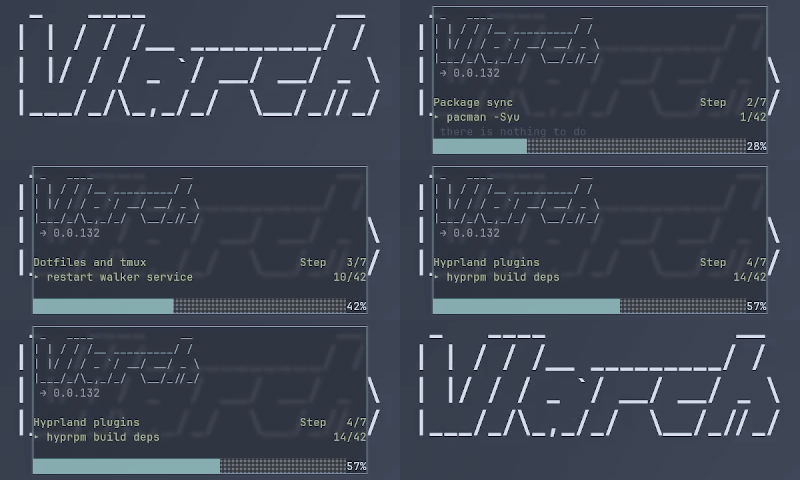
Vlarch receives updates pretty much every time i use my PC, if I something that could be better, I do it better, for myself, and for all Vlarch users.
But you are not forced to update, the button is there, pressing it is your choice, imagine forcing someone to update and restart instead of powering off, couldn't be me.
Overrides
If you don't want something, change it, I ship a lot of changes to dotfiles so i implemented and override system.
Put only the lines you want to change in ~/.overrides/. Paths mirror your home directory:
~/.overrides/.config/hypr/hyprland.conf
patches
~/.config/hypr/hyprland.conf
On each update, Vlarch deploys the latest dotfiles first, then reapplies your overrides on top. Your tweaks survive.
!!! — replace a line that already exists.
!!!
    kb_layout = latam
    scroll_method = edge
If ambiguous you can fix it by adding an explicit ->
!!!
bindd = $mainMod, F, fullscreen, 0 -> bindd = $mainMod, F, fullscreen, 1
@@@ — append new lines at the end.
@@@
bindd = $mainMod, M, exec, call-mom.sh
bindd = $mainMod, D, exec, call-dad.sh
Apply with vlarch overrides if you edit it after an update.
Feel free to suggest how to improve this system.
Encryption
Your data is encrypted using LUKS, no one can see your data without your password even if they tear your computer down piece by piece.
License
GPL.